
A UPI QR code is just a payment link printed as a square. This free UPI QR code generator makes one for any UPI ID in seconds, with an optional fixed amount, and your details never leave your browser.
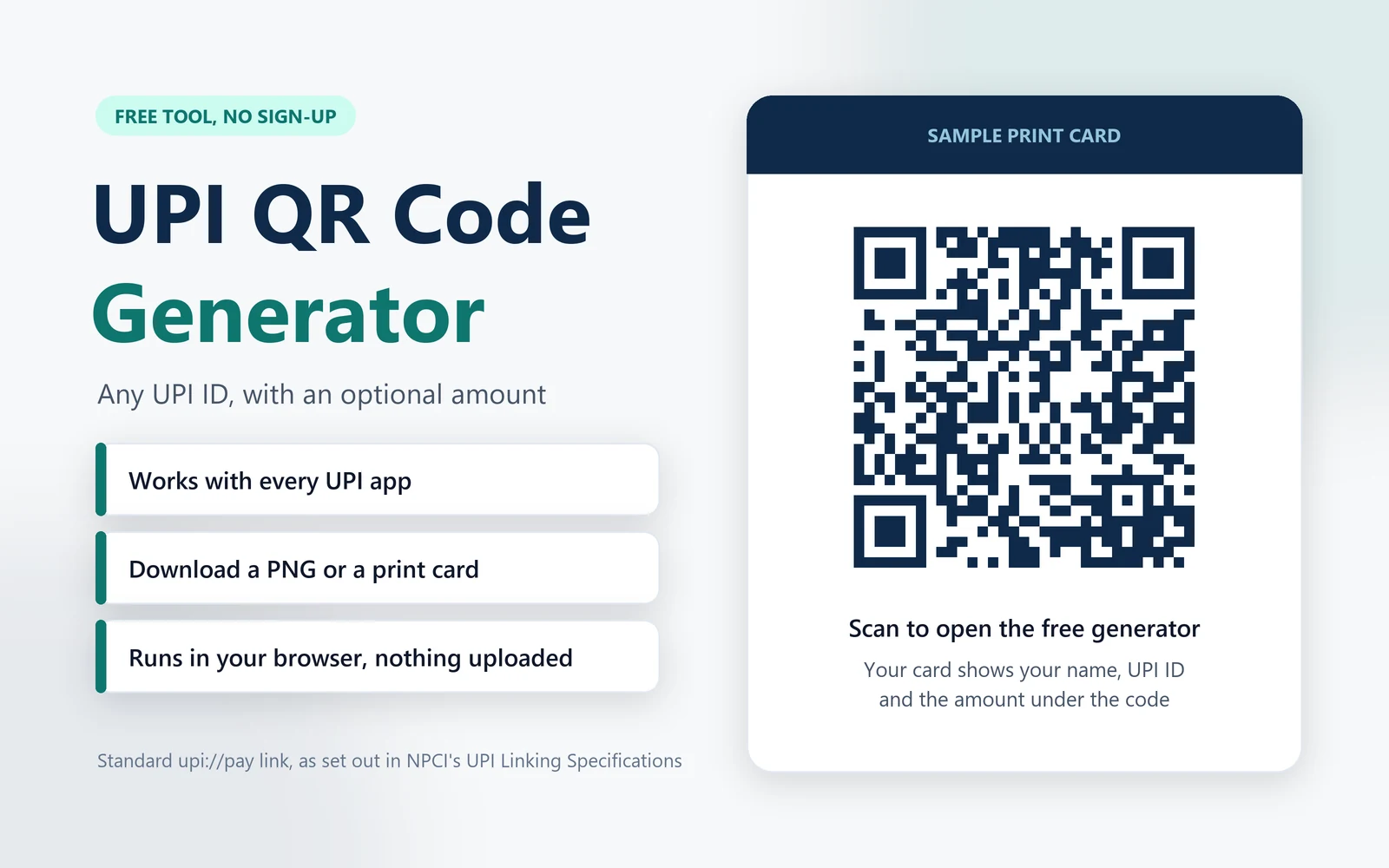
To create a UPI QR code, type your UPI ID and your name, add an amount if the bill is fixed, and download the QR as an image or as a ready-to-print card. It works with PhonePe, Google Pay, Paytm, BHIM and every bank’s UPI app, because it uses the same link format that NPCI (National Payments Corporation of India, which runs UPI) set for every app. Freelancers use it on invoices, tutors and clubs use it to collect fees, and small shops use it at the counter.
Below the tool we explain what sits inside a UPI QR code, when to fix the amount, how the new UPI MDR affects personal and merchant QR codes, and how to stay safe.
How to use the UPI QR code generator
- Find your UPI ID. Open your UPI app and look on the profile or bank account screen. A UPI ID looks like name@bank, for example 9876543210@ybl or asha.verma@okhdfcbank.
- Type it in with your name as your bank shows it. When someone scans the code, their app shows the name registered with the UPI ID, so use the same name to avoid confusion.
- Add an amount only for a fixed bill, such as an invoice or a monthly fee. Leave it blank for a shop counter, and the payer types the amount.
- Add a note if it helps you match payments, for example an invoice number. The note travels with the payment and shows up in your app’s history.
- Download the QR code as a PNG image, or download the print card, which adds your name, UPI ID and amount under the code.
- Test it before you share it. Every code from the UPI QR code generator is a standard link, but scan it from another phone, check the name and amount on screen, and pay yourself ₹1.
What is inside a UPI QR code
A UPI payment QR code holds one line of text, a UPI payment link. When you scan it, your UPI app reads the link and opens a payment screen with the details filled in. The link follows NPCI’s UPI Linking Specifications and looks like this:
upi://pay?pa=9876543210@ybl&pn=Asha%20Verma&am=499.00&cu=INR&tn=Invoice%20104Each part after the question mark is a field. This UPI QR code generator uses the five fields a personal QR code needs:
| Field | What it holds | In this tool |
|---|---|---|
| pa | Payee address: the UPI ID that receives the money | Required |
| pn | Payee name shown to the payer | Required |
| am | Amount in rupees with two decimals; if it is missing, the payer types the amount | Optional |
| cu | Currency; INR is the only value UPI supports | Always INR |
| tn | Transaction note, a short description of the payment | Optional |
Bank-issued merchant QR codes carry extra fields, such as a merchant category code, a transaction reference and a digital signature. That is how the payment system tells a shop’s merchant QR apart from a person’s QR, and it matters for the new UPI MDR.
Fixed-amount UPI QR code or an open one?
| Use | Amount in the QR | Example |
|---|---|---|
| Shop counter, tips, donations | Leave it blank | The customer types ₹340 for their groceries |
| Invoice or bill | Fix the exact amount | A freelancer’s ₹18,500 invoice with the note Invoice 104 |
| Monthly fees and dues | Fix the monthly amount | A ₹1,200 society maintenance charge, note Flat B-204 October |
| Events and group collections | Fix the per-person amount | ₹750 per head for a team lunch |
A fixed amount saves the payer from typing and cuts mistakes, and the note tells you who paid for what. If you raise invoices with our GST invoice generator, make a fixed-amount QR for each invoice and put it on the PDF.
Personal UPI QR code vs merchant QR, and the new UPI MDR
A QR code from this UPI QR code generator points to a personal UPI ID, so a payment to it is a person-to-person (P2P) payment. P2P payments are free at any amount, and they stay free after UPI MDR, the fee on some merchant payments, starts on 15 October 2026.
Small sellers who take UPI through a QR code linked to their own savings account, and receive up to ₹1 lakh a month that way, fall in NPCI’s P2PM (person-to-person merchant) category, which also stays at zero MDR. Larger businesses should take a merchant QR from their bank or payment gateway.
From 15 October 2026 a merchant QR costs 0.4% on payments above ₹2,000, capped at ₹300, with free payments up to ₹2,000. Our UPI MDR guide has every rate and a calculator, and it explains why running a bigger business’s sales through a personal UPI ID is a risk rather than a saving.
Printing and placing your UPI QR code
- Size it for the distance. A common rule of thumb is that a QR code scans from about ten times its width, so a 5 cm code works from about 50 cm. For a counter, 8 to 10 cm is comfortable.
- Keep the white border. The quiet zone around the code helps cameras find it. Do not crop it, stretch it or print it on a busy background.
- Use a matte finish. Glossy lamination reflects shop lights and slows scanning.
- Keep it where you can see it. Fraudsters sometimes paste their own QR sticker over a shop’s code, so check your stand every day and use a payment soundbox or your app’s alerts to confirm each payment.
Stay safe with UPI QR codes
- You never scan a QR code to receive money. Scanning a code and entering your UPI PIN always sends money. Anyone who asks you to scan a QR code to receive a refund, a prize or a payment is trying to take money from you.
- Your UPI PIN is only for paying. Nobody needs it to pay you, and no bank or app will ask for it on a call.
- Check the name before you pay. After scanning, your app shows the name registered with the UPI ID. If it does not match the shop or person, stop.
- Do not trust payment screenshots. Confirm every payment in your own app or with a soundbox before you hand over goods.
- Sharing your QR code is safe. It shows your UPI ID and name, which is how UPI works, but a UPI ID alone cannot be used to take money from you.
Please note: we update this page from time to time, but UPI rules and app features change and there can be a gap between a change and our update. Check your bank’s terms and the official NPCI releases before you act. This tool helps you make a payment QR code; it is not financial or legal advice, and ReconScribe is not responsible for payments made or decisions taken on it.
UPI QR code generator: frequently asked questions
Is this UPI QR code generator free and safe?
Yes. It is free with no sign-up, and it runs entirely in your browser, so the UPI ID, name and amount you type are never sent to us or anyone else. A UPI QR code can only receive money: payers need their own UPI PIN to pay you, and nobody needs yours.
Will the QR code work with PhonePe, Google Pay, Paytm and BHIM?
Yes. The QR code holds a standard UPI payment link in the format NPCI set for every UPI app, so PhonePe, Google Pay, Paytm, BHIM and bank apps all read it the same way.
Can I create a UPI QR code with a fixed amount?
Yes. Type the amount and the payer's app fills it in when they scan. Leave the amount blank for a shop counter, where each customer types what they owe.
Does a UPI QR code expire?
A static QR code like this one does not expire. It keeps working for as long as your UPI ID is active; if you change your bank account or UPI ID, make a new code.
Do I need to scan a QR code to receive money?
No, never. Receiving money needs nothing from you. Scanning a QR code and entering your UPI PIN always sends money, so anyone who asks you to scan a code to receive a payment is trying to take money from you.
Is there UPI MDR on payments made to my QR code?
Payments to a person are free at any amount, and small sellers on a personal-account QR receiving up to ₹1 lakh a month pay zero MDR. Businesses on a merchant QR pay 0.4% on payments above ₹2,000 from 15 October 2026, capped at ₹300; our UPI MDR guide has the full rate card.
Can I add my logo to the UPI QR code?
This tool keeps the code plain so that it scans reliably on every phone. The print card adds your name, UPI ID and amount under the code instead.
How is this different from the QR code in my UPI app?
Both hold the same kind of UPI payment link with your UPI ID and name. App codes sometimes add extra fields, and bank-issued merchant QR codes also carry a merchant code and a digital signature, but a payer's app treats a personal code from here the same way.
Sources
- NPCI, UPI Linking Specifications, version 1.6, November 2017 (the upi://pay link format and its fields).
- Ministry of Finance, UPI continues to remain free for peer to peer transactions and 96% of merchant transactions, press release, 15 September 2026.
- NPCI, Merchant Discount Rate (MDR) on select UPI (P2M) transactions: FAQs, 15 September 2026.